CRM · Clients
A pipeline that keeps itself current.
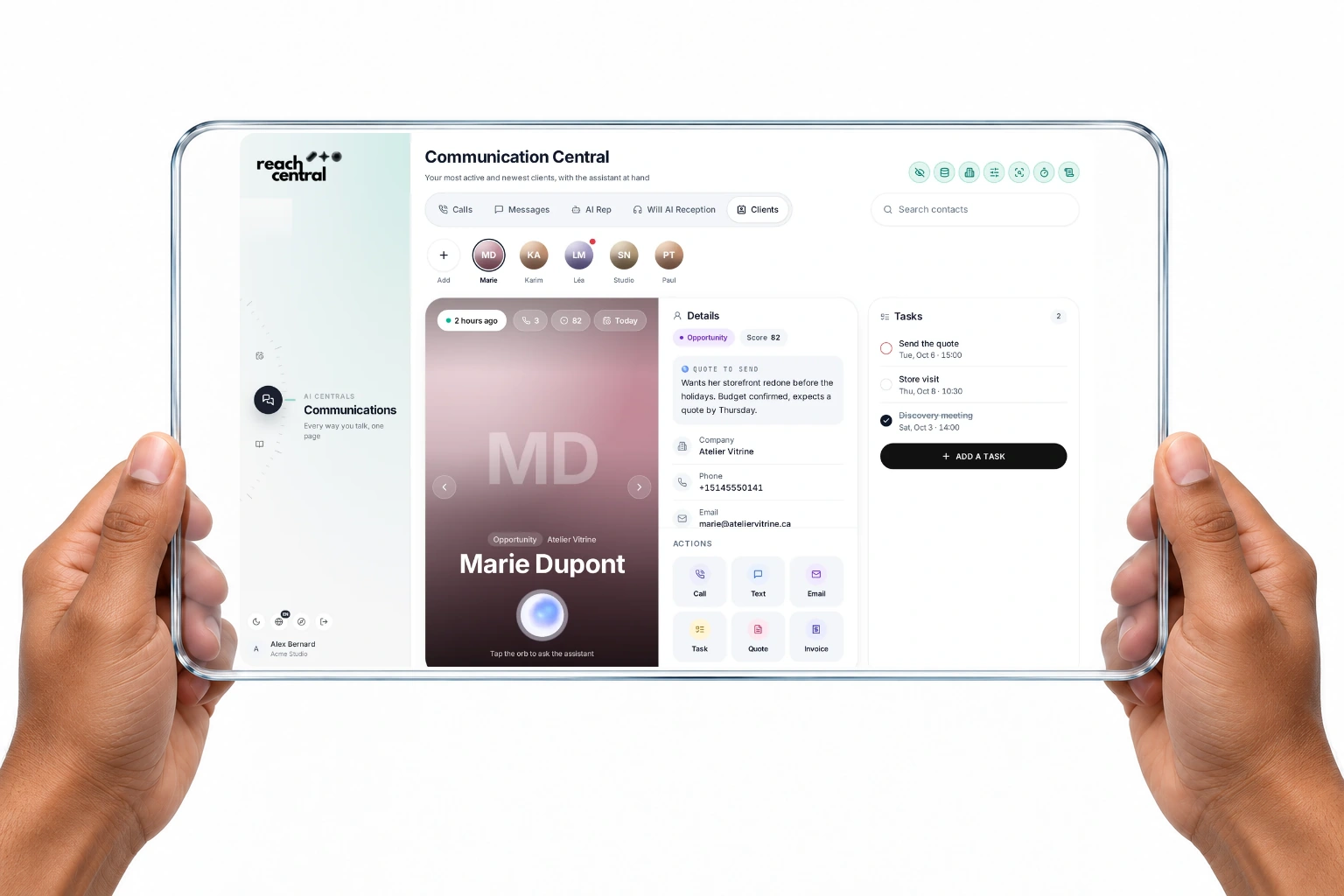
Seven stages from Target to Advocate. Call outcomes move cards automatically, the AI scores each card with its reasons, and every client keeps a next action, without a single field typed after a call.
Quick answer
How is the Reach Central AI CRM different?
The Reach Central AI CRM updates itself from conversations. Call outcomes move cards to Lead, Closed lost or Disqualified, the AI scores each card from 0 to 100 with its reasons, next actions stay current, callers link to HubSpot, and AI prospecting finds new leads.
How it works
Conversations move the pipeline.
A conversation happens
A call, an email or a meeting with the client.
The outcome is read
The AI records the disposition and objections.
The card moves
Interested or booked callers move to Lead; not interested closes the card as lost.
The next action is set
Each card keeps its next action and an optional score.
Screens on this page are real captures of the Reach Central AI demo workspace.
What it does
It tracks. You close.
Each capability says who acts: the AI on its own, or you with one tap.
- Automatic
Stage moves from call outcomes
Interested or booked moves to Lead, not interested to Closed lost, a wrong number to Disqualified. Later stages stay yours to set.
- You choose
AI score with reasons
Tap Score it for a 0 to 100 score, its rationale and a suggested next action.
- Automatic
HubSpot linking
Callers are found by phone in HubSpot and linked, or created there.
- You review
AI prospecting
Find new leads with AI web search, then add the ones you want to your pipeline.
On the client card
The CRM is the card.
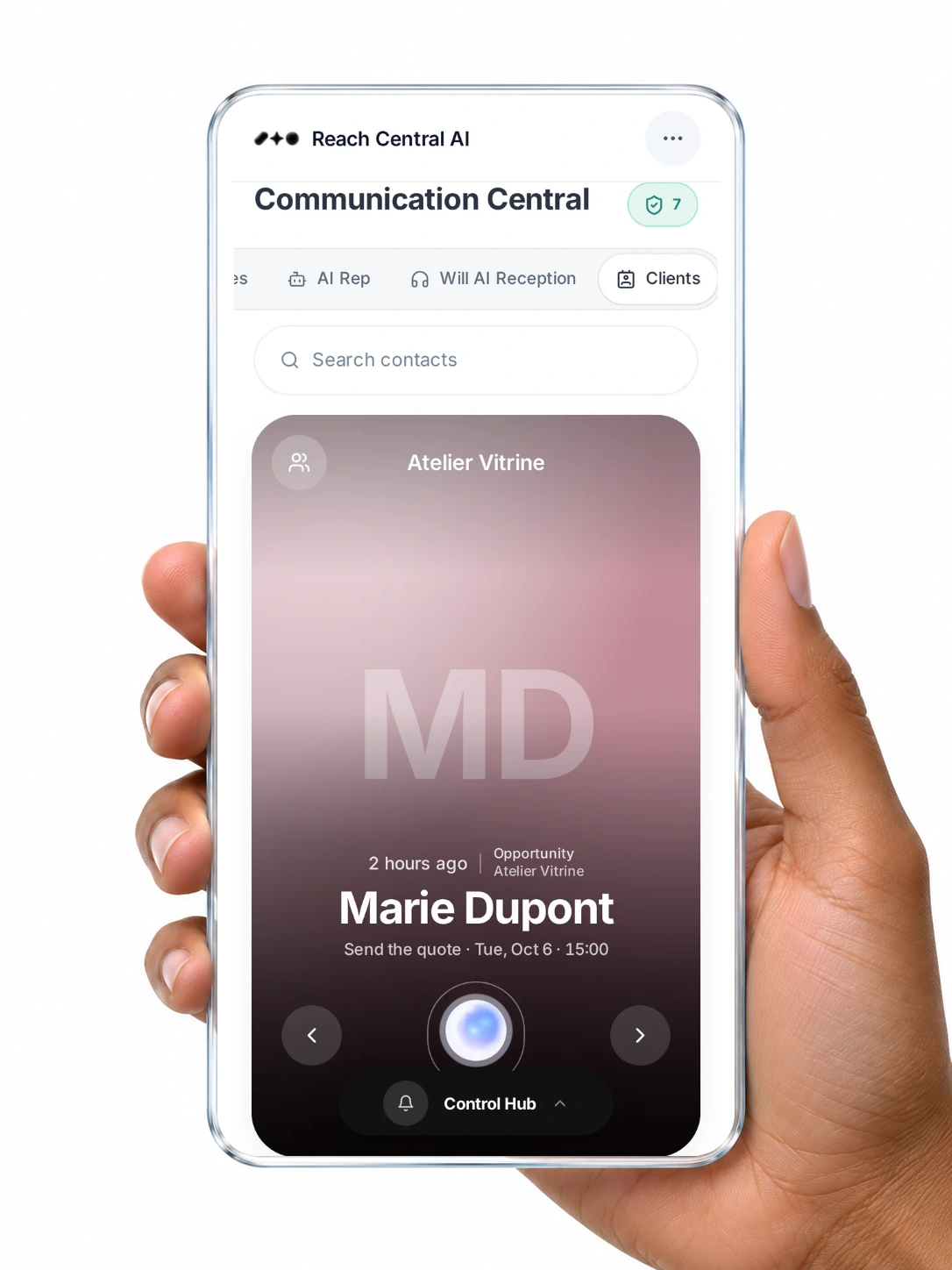
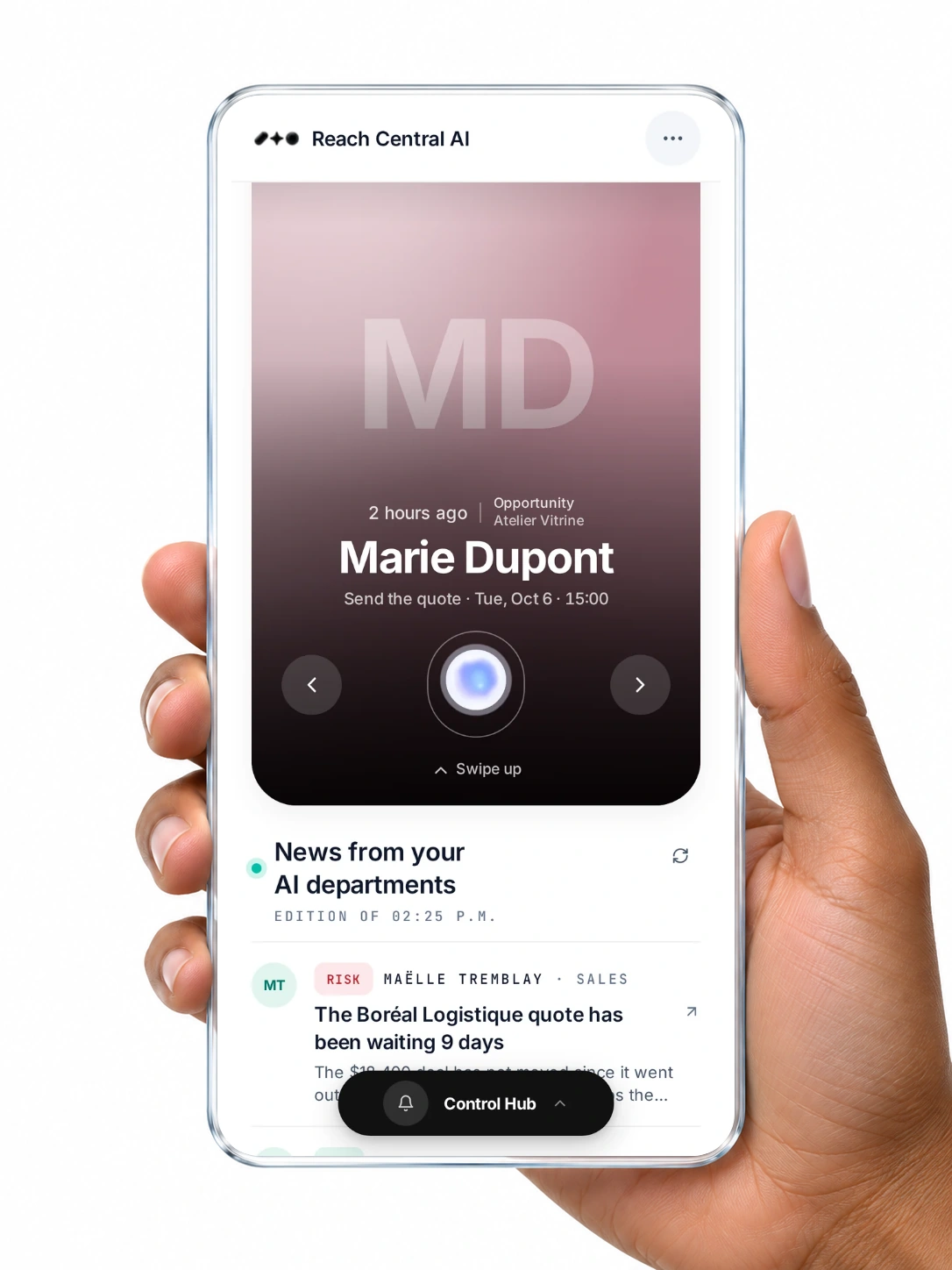
There is no separate record to maintain. Stage, score, owner, deals and next action live on the same card as every call and email.
- Stage and score on every card
- Owner, deals and source in one place
- Exit stages for nurture, bad timing or closed lost
For your organisation
A pipeline you can trust.
Always up to date
Stages follow the conversations, not the last time someone updated a field.
Clear priorities
Scores and next actions tell the team where to look first.
Fresh leads
AI prospecting adds new names when you need them.
Questions
About the CRM.
How do clients move through the pipeline?
Call outcomes move cards automatically: interested or booked to Lead, not interested to Closed lost, wrong number to Disqualified. You move clients through Qualified, Opportunity, Onboarding, Active client and Advocate yourself.
How does the AI score a client?
Tap Score it on a card. The AI returns a 0 to 100 score, its reasons and a suggested next action. Scoring never changes the stage on its own.
Can I keep HubSpot?
Yes. HubSpot connects through OAuth: callers are linked by phone, contacts can be created, and saved call notes are written to HubSpot.
Let your conversations run your pipeline.
A 30-minute demo, in French or English, on real screens.