AI Planner · Operations
Your day, planned from your real conversations.
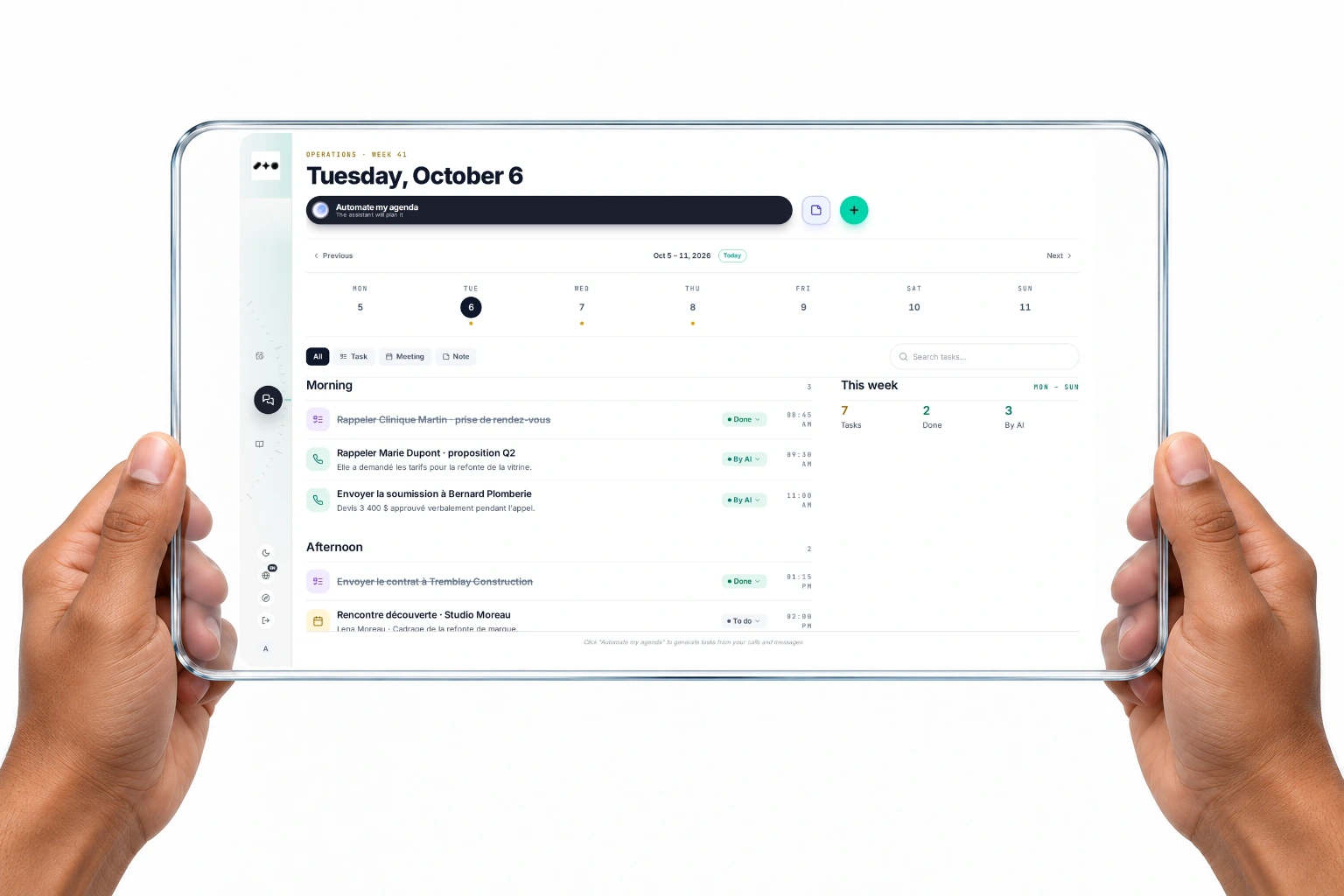
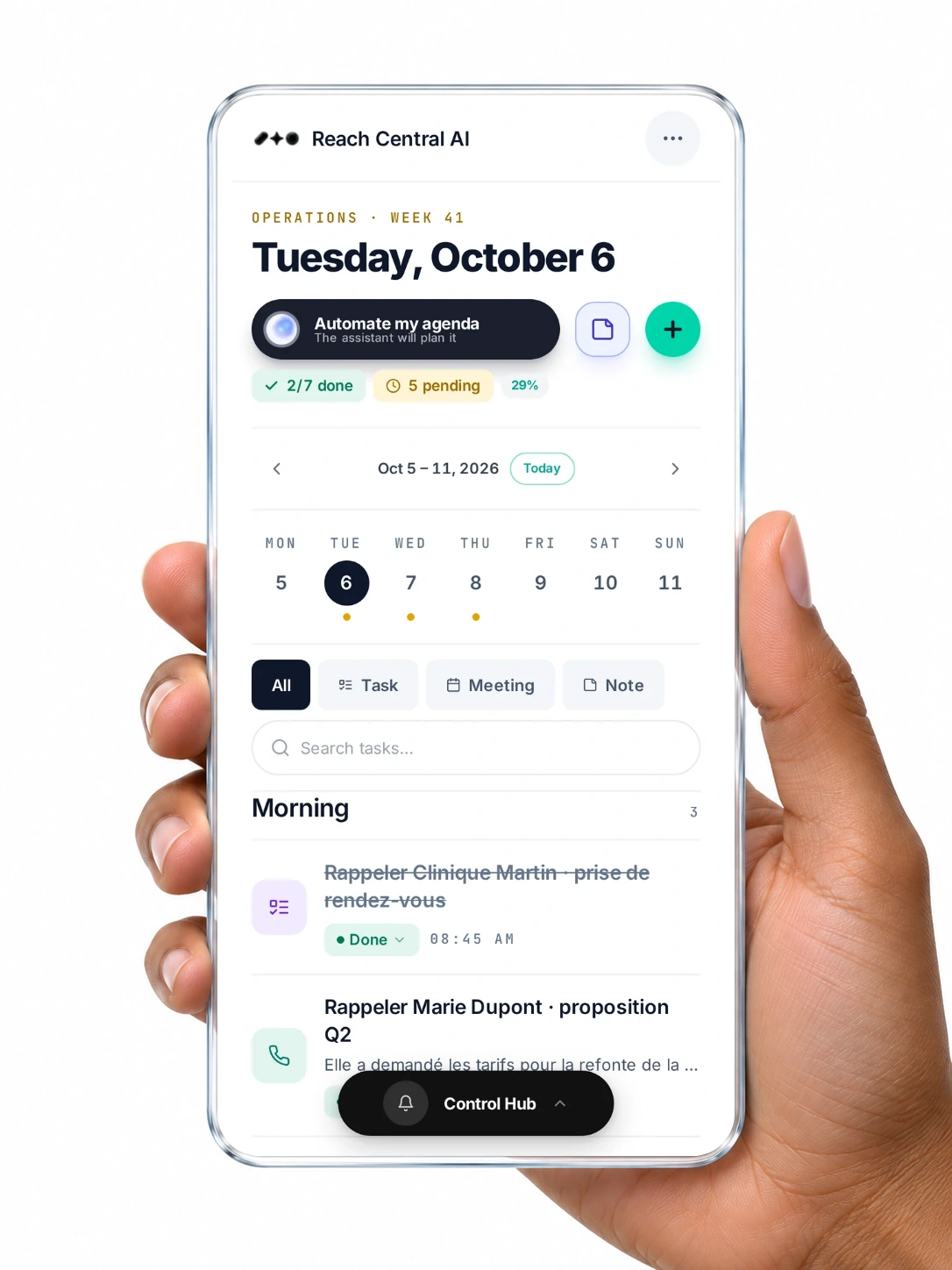
One tap on Automate my agenda and the assistant reads your calls, texts, hotline calls and calendar, then lays out the day's tasks. Each task links back to the conversation it came from and to the client card.
Quick answer
What does the Reach Central AI planner do?
The Reach Central AI planner builds your task list from your real activity. It reads your calls, texts, hotline calls, prospect searches and Google Calendar, creates the tasks, links each one to its source and client card, and mirrors meetings to Google Calendar.
How it works
From conversation to plan.
Talk to clients
Calls, texts and hotline calls happen across the platform.
Tap Automate my agenda
The assistant reads the day's conversations and your calendar.
Get your day
Tasks are laid out by morning and afternoon, each with its source.
Work from the card
Every task sits on the right client card, with a link back to the call or message.
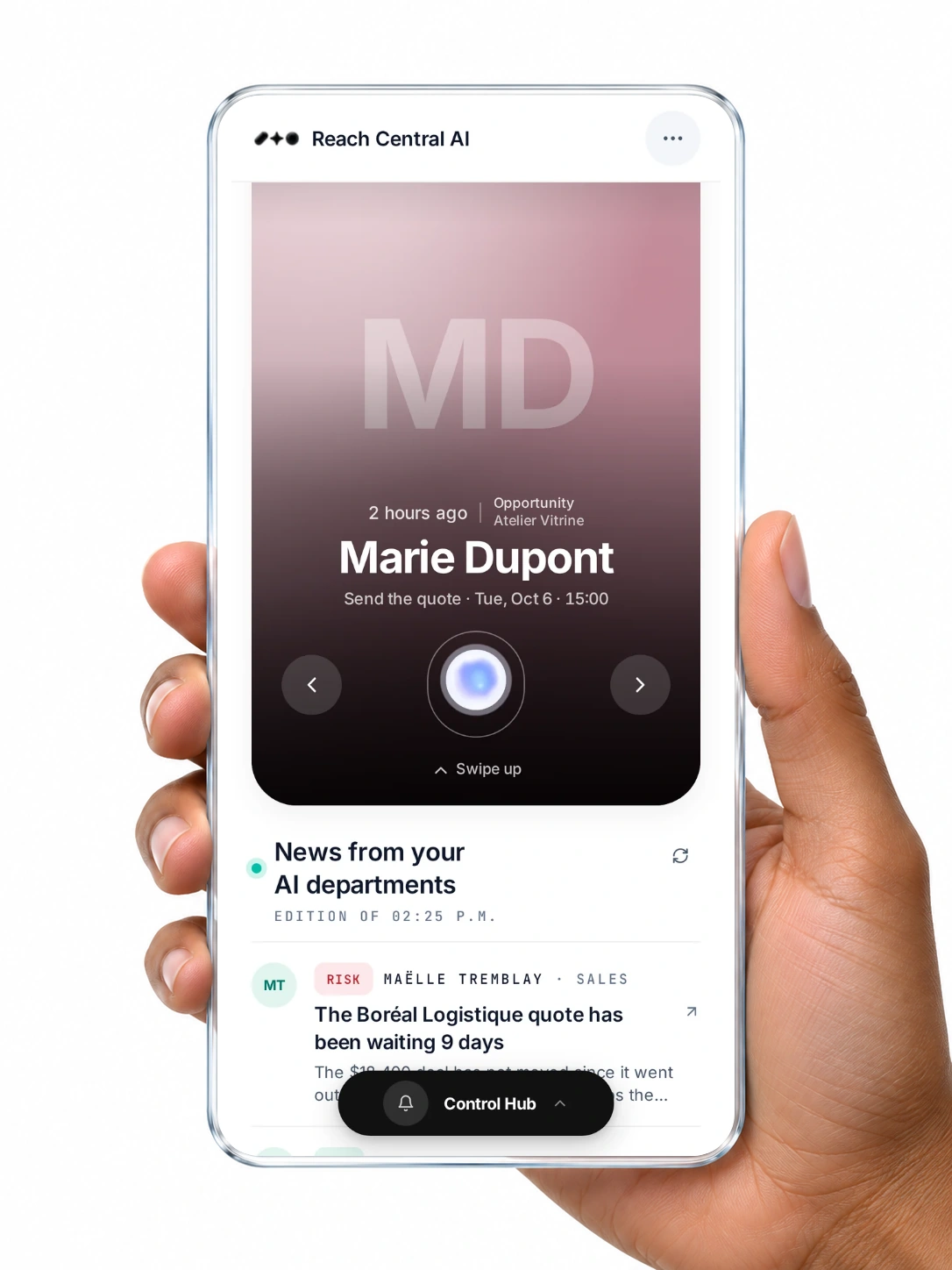
Screens on this page are real captures of the Reach Central AI demo workspace.
What it does
It plans. You run the day.
Each capability says who acts: the AI on its own, or you with one tap.
- You choose
Plan from your activity
Calls, texts, hotline calls, prospect searches and today's calendar events become tasks.
- Automatic
Follow-ups from every call
When a call is analysed, a follow-up task such as Call back is added for you.
- Automatic
Meetings in your calendar
Meetings created here mirror to Google Calendar with a Meet link.
- You choose
Projects on a board
Organise bigger work on a board, a timeline or a list.
On the client card
Every task knows its client.
Tasks carry the client's email and phone, so they show up on the client card the moment they are created.
- Tasks appear on the right card automatically
- Each task links back to the call or message it came from
- Meetings carry a Google Meet link
For your organisation
Start every day already organised.
No follow-up forgotten
Calls leave tasks behind, so nothing depends on memory.
Less time planning
One tap builds the day from what actually happened.
Context in one click
Open the source of any task before you act on it.
Questions
About the AI Planner.
Where do planner tasks come from?
From your calls, texts, hotline calls, AI rep batch calls, prospect searches and today's Google Calendar events, when you tap Automate my agenda. Analysed calls also add follow-up tasks on their own.
Does it work with Google Calendar?
Yes. Today's events are read when planning, and meetings you create are mirrored to Google Calendar with a Google Meet link.
Do tasks show on the client card?
Yes. Tasks carry the client's email and phone, and the client card shows every task linked to that client.
Let your conversations plan your day.
A 30-minute demo, in French or English, on real screens.